 Hanki
Diagnose crashes, updates and activation
Use guided checks, the crash timeline, Event Logs, Windows Update, activation, battery and startup checks and dump analysis in Hanki Diagnose.
Diagnose brings evidence that is spread across Windows into one place. Everything here is read-only.
What's in Diagnose
| Tab | Use it to |
|---|---|
| Guided checks | Start from a symptom, such as "My PC is slow", and follow steps that open the right tool. |
| Crash timeline | Follow crashes and unexpected restarts in time order. |
| Recent Event Logs | Read recent Windows event logs around the time of a problem. |
| Windows Activation | Check activation status and what Windows reports about it. |
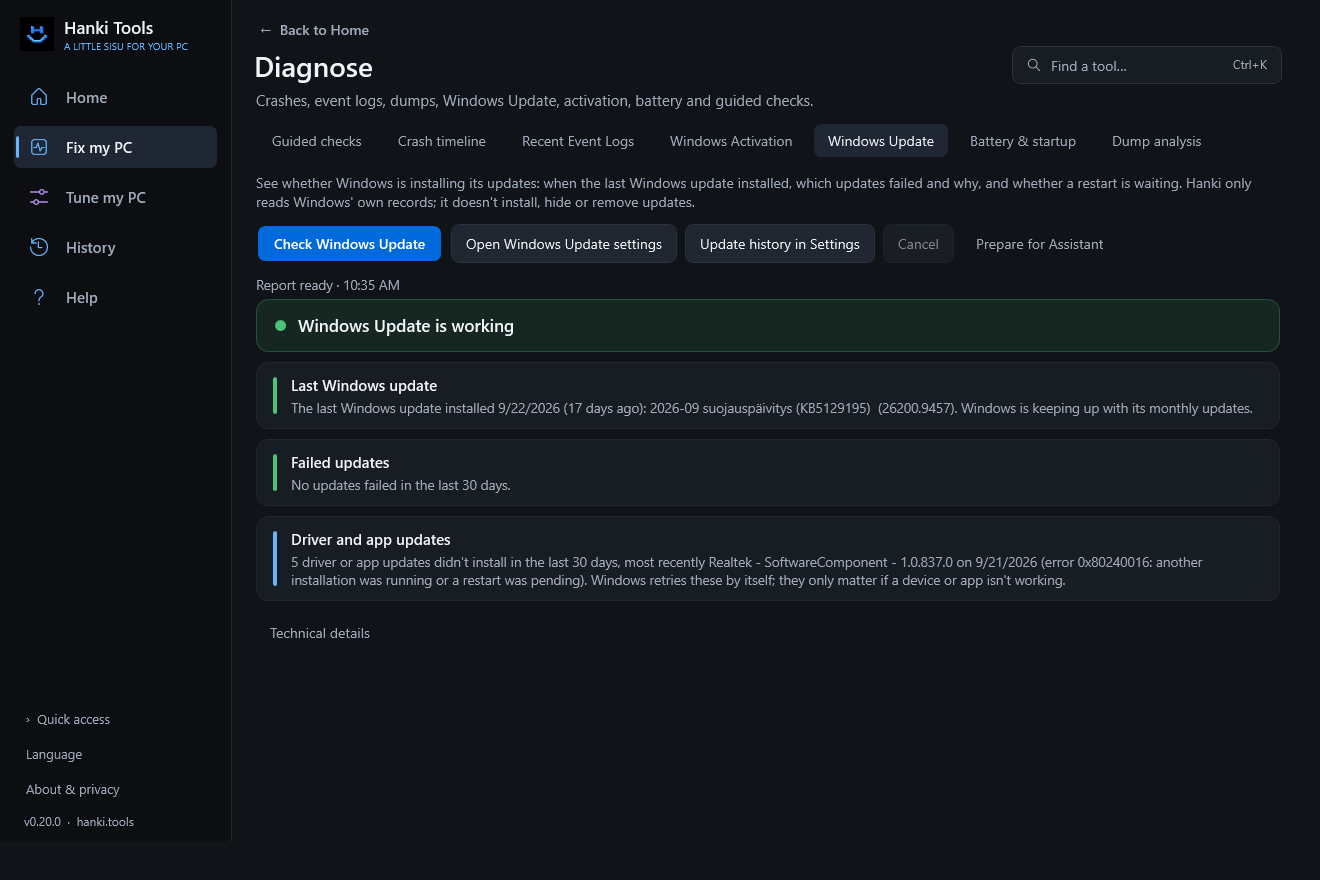
| Windows Update | See when updates last installed, what failed and why, in plain language. |
| Battery & startup | Read battery wear, restart and startup records. |
| Dump analysis | Inspect a crash dump with a Microsoft debugger you select. |
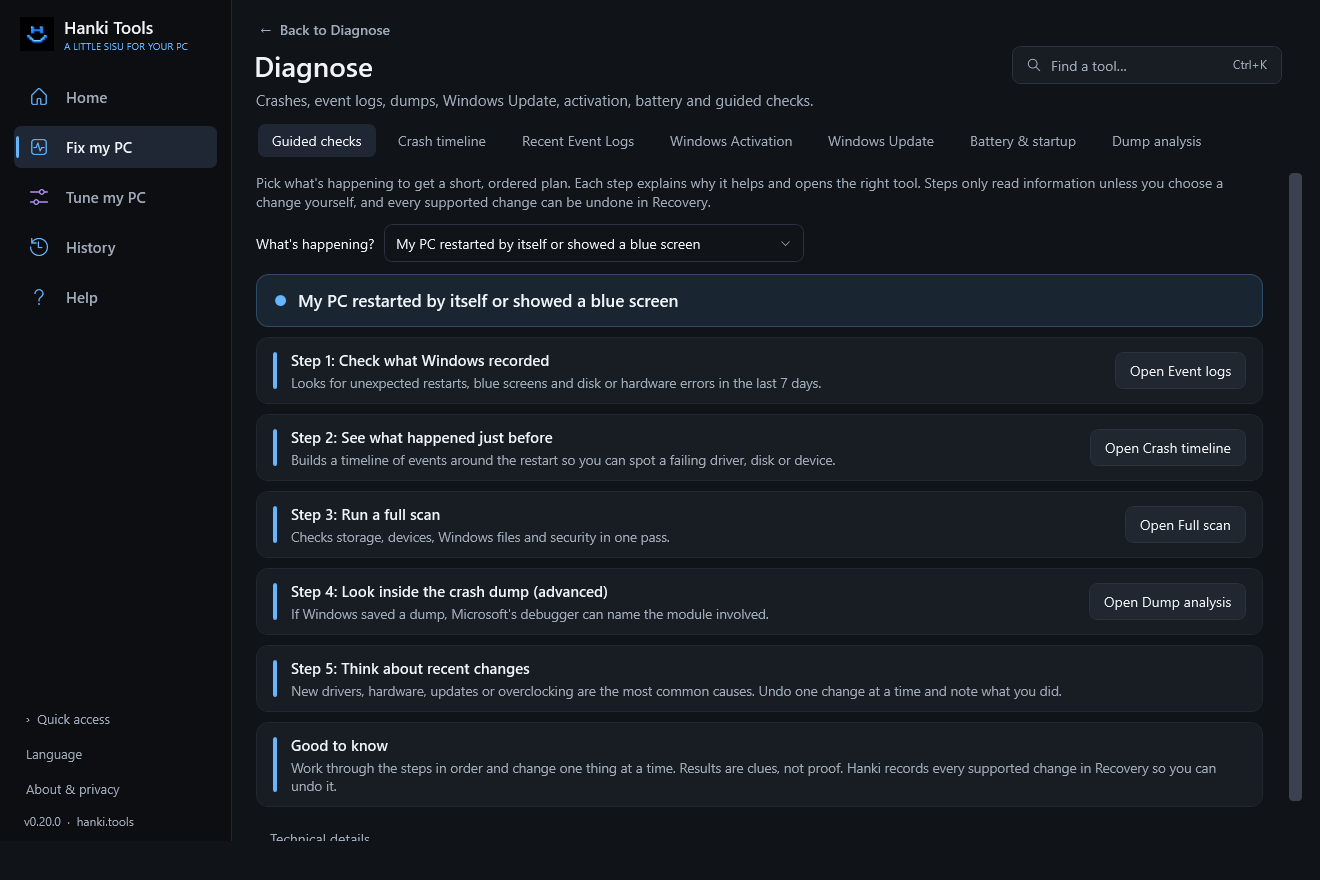
Crashes and restarts
Note when the problem happened and what you were doing, then compare that time with the crash timeline and event logs. A Kernel-Power 41 event confirms Windows noticed an unexpected shutdown; it does not identify the cause. Treat a crash marker or a debugger's suspected driver as a lead to verify, not a root cause.
Dump analysis
- Choose Select Microsoft debugger… and point Hanki at a Microsoft debugger installed on your PC.
- Choose Choose / inspect dump… and pick a dump file, for example from
C:\Windows\Minidump. - Choose Analyze dump. Tick Allow Microsoft symbol downloads only if you want better results: module and symbol identifiers are then sent to Microsoft's symbol service. The dump itself is never uploaded.
Windows Update
The check reads Windows' own update history. Defender's daily definition updates can't hide a broken Windows Update: the check looks at Windows updates separately. It does not contact the network.
Windows activation
The activation check reads Windows' licensing status, the reason codes Windows reports and whether the licensing service is available. It never reads or shows a full product key and never changes your key, edition or activation. On PCs activated through an organization's KMS server, an optional reachability check asks for your approval first and uses only the host Windows is configured with. If Hanki can't find one, ask your organization's administrator.
Battery and startup
On laptops, Windows writes a battery report to a temporary file; Hanki reads it and deletes it straight away. Restart and startup events come from Windows' local records.
Related
Updated · Found something out of date? Report it on GitHub.