 Hanki
Shield and Microsoft Defender
See what Microsoft Defender reports in plain language, run Defender scans, audit exclusions and understand Hanki's experimental file scanner.
Shield explains what Microsoft Defender reports and gives you its scan controls in one place. Defender is your protection; Hanki is not an antivirus.
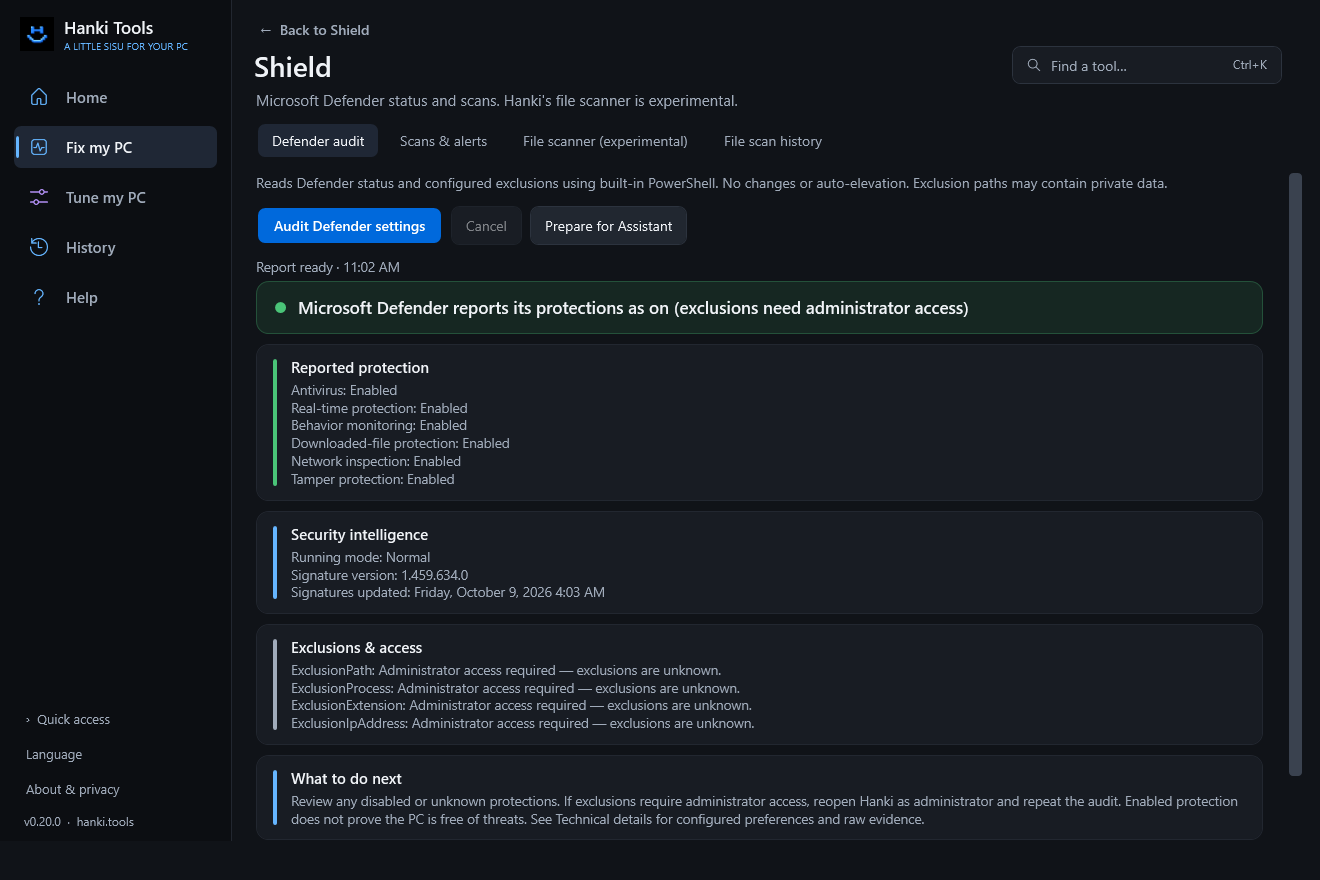
What's in Shield
| Tab | Use it to |
|---|---|
| Defender audit | Read protection status, security intelligence version and exclusions, including what Hanki can't see without administrator rights. |
| Defender controls / alerts | Run a Defender quick or full scan, update definitions, cancel an active Defender scan and turn on opt-in protection alerts. |
| File scanner (experimental) | Try Hanki's own scanner on a file or folder. |
| File scan history | See summaries of earlier file scans. |
Working with Defender
Scans, definition updates and cancellation go through Defender itself, under your Windows settings. Some Defender commands need administrator approval. Defender can remediate threats under its own policy, and Hanki does not undo that. Defender communicates with Microsoft under its own configuration.
The experimental file scanner
The file scanner has a bundled EICAR test signature and simple heuristics, not a maintained malware feed. It has no archive unpacking or real-time protection, and skips files over 512 MiB and reparse points. An empty result does not mean a file is safe.
Related
Updated · Found something out of date? Report it on GitHub.